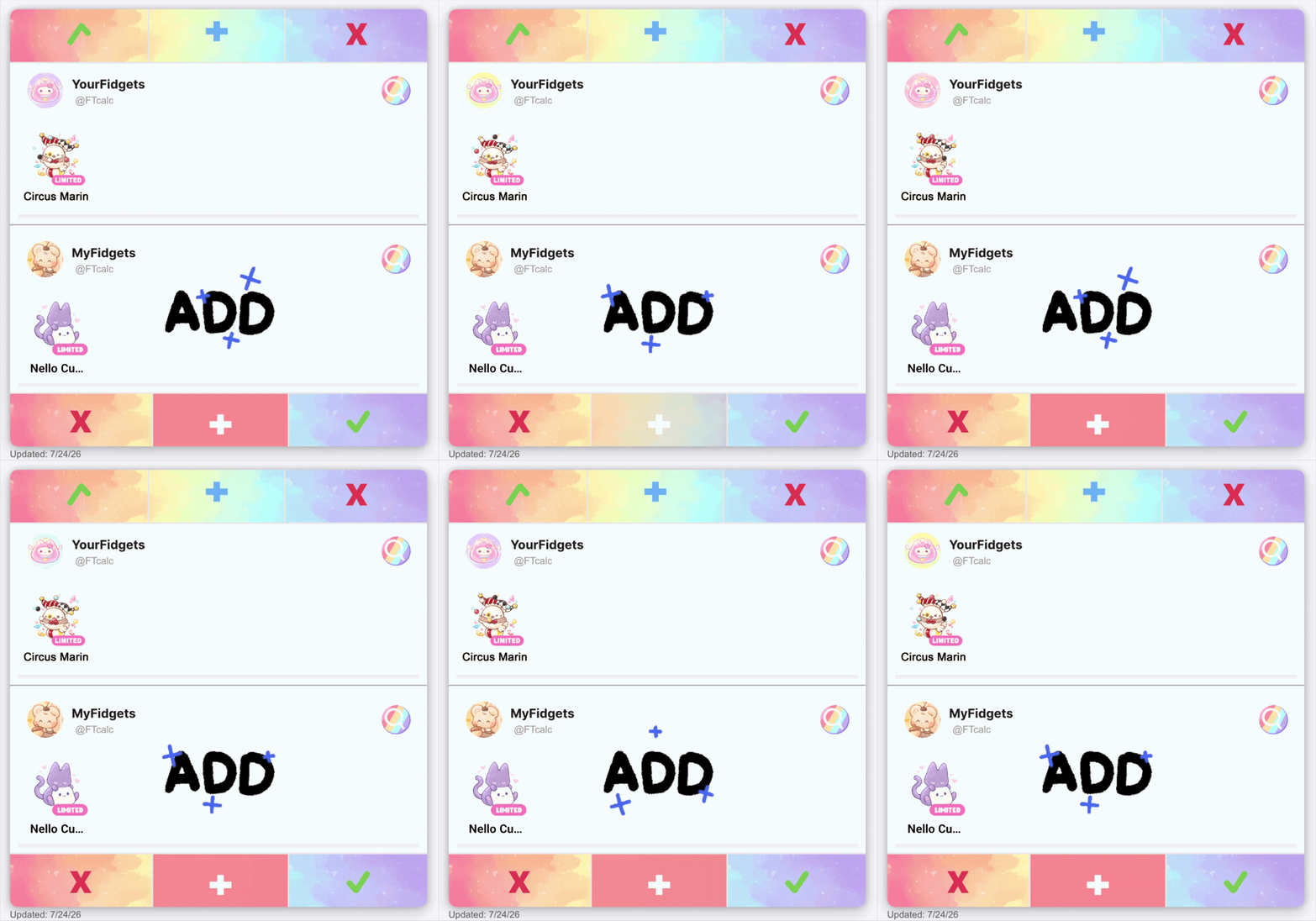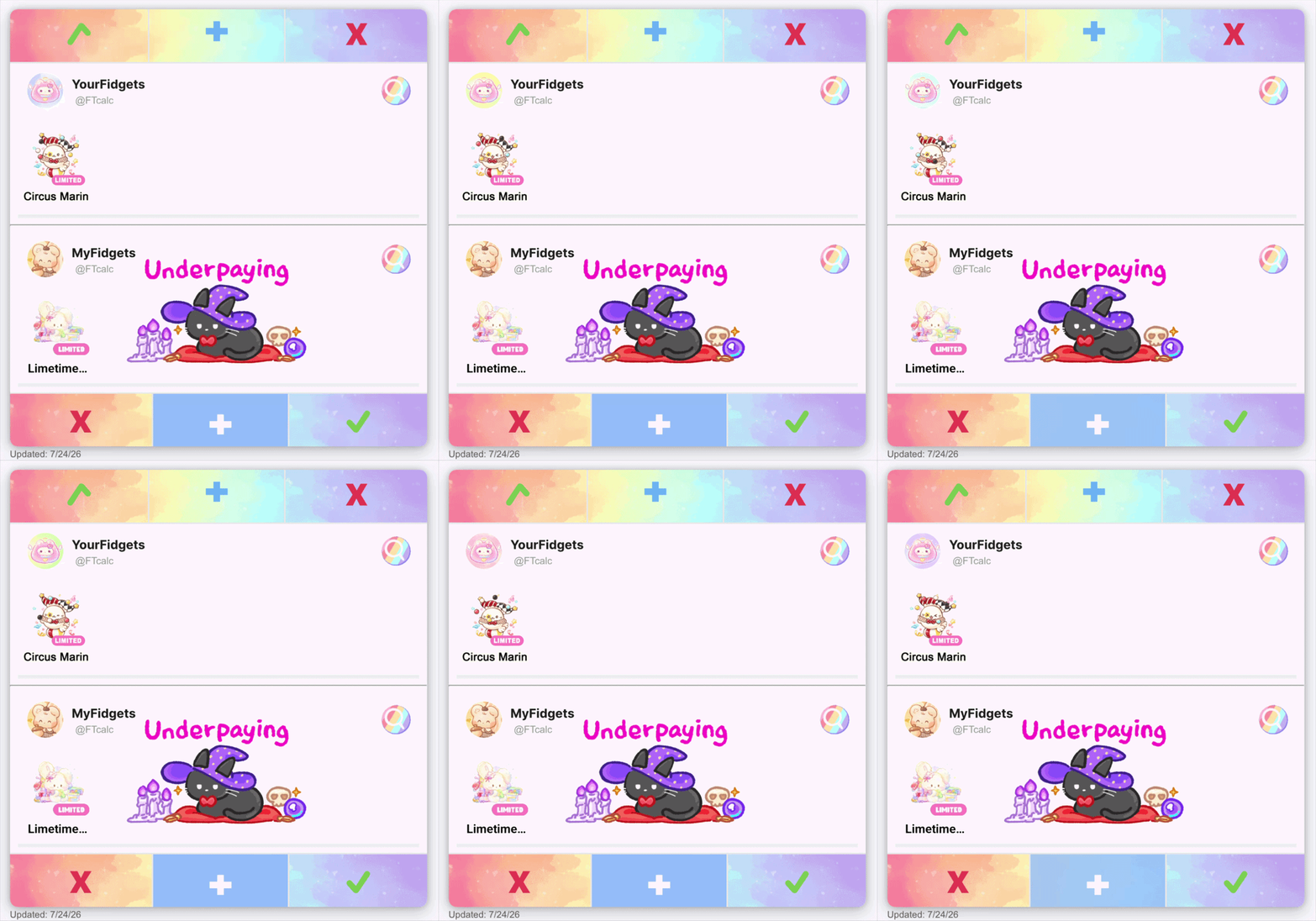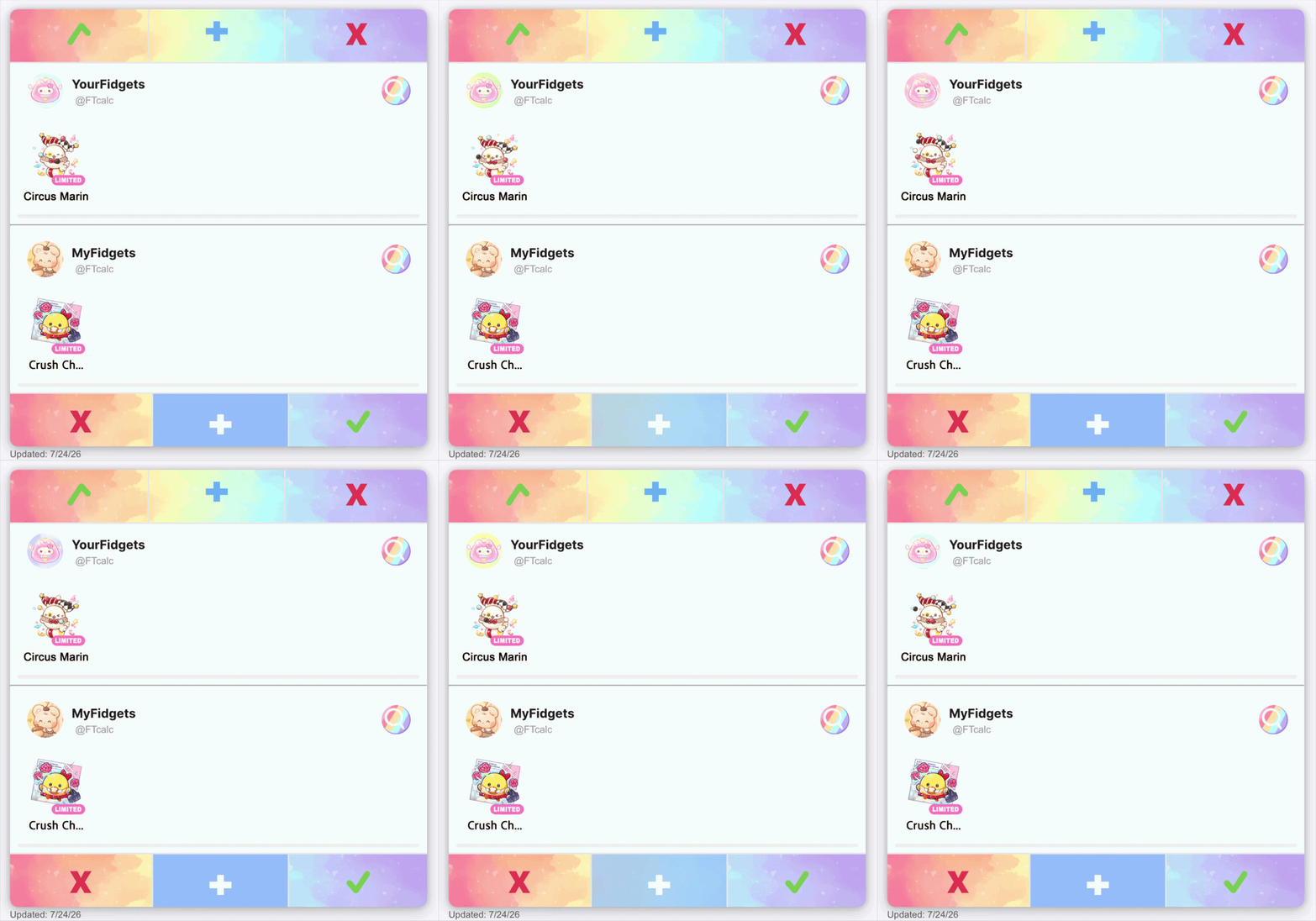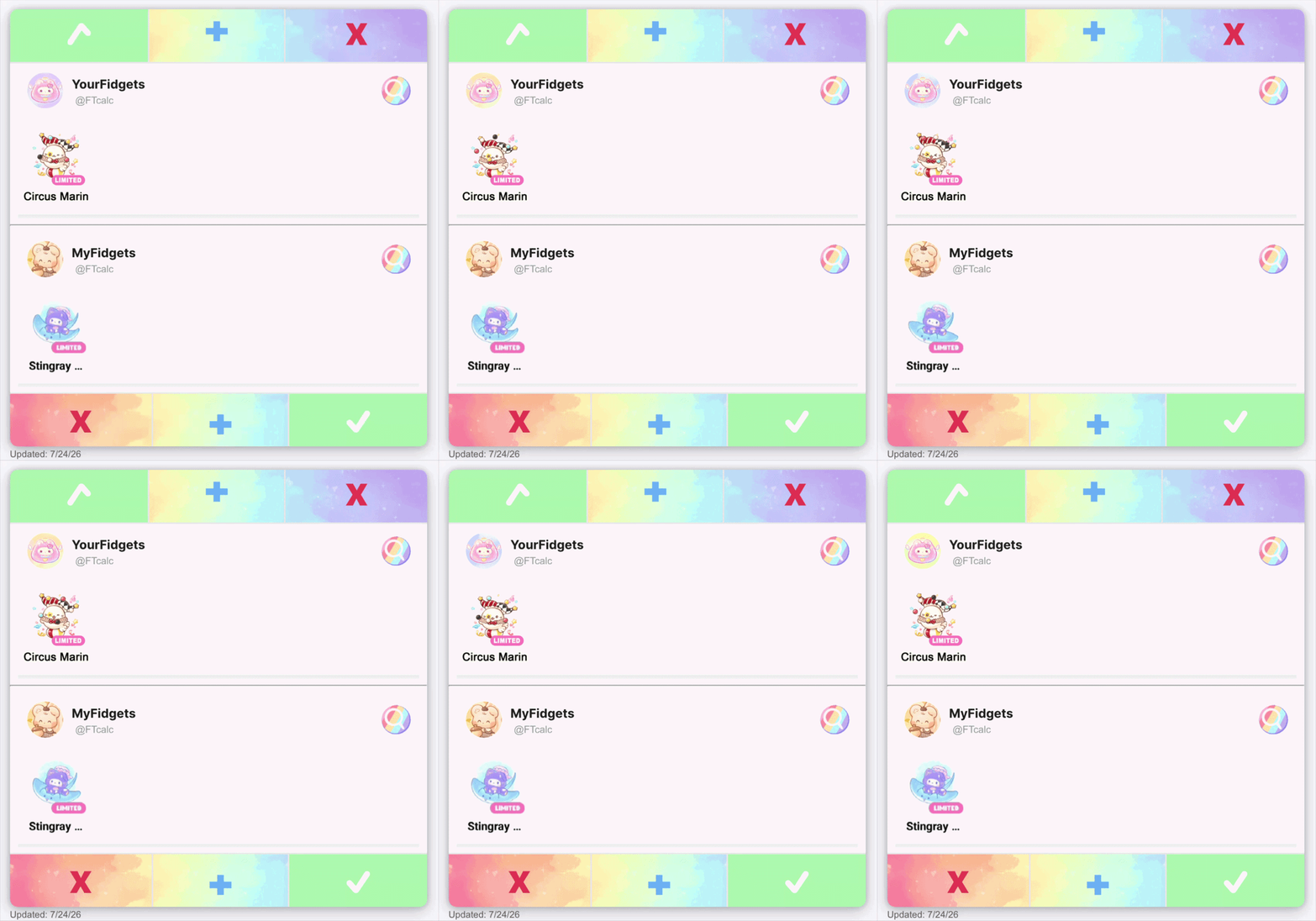
Fidget town is all about trading! In this post we’re going to be going over the basics.
Servers
Naming Your Rooms
Abbreviations
Profiles
Inventory Tabs
Mystery Boxes
Daily Events
Goals for New Players
Calculator
Servers
There are 3 trading servers:
Pop it Server | Squish Server | Slime Server
Pop it is the primary server, this is the best place to post your trades. Squish & Slime are less commonly used, this is best to use if you are trading with a friend or if you’re Coin Farming [article coming tomorrow].
Naming Your Rooms
This is honestly the most important, reading and naming rooms. Try to be straight to the point, while there is no character limit, each device has only a certain amount it can see.
M: FIDGET Y: FIDGET
Is a very popular one for this purpose. If you have a friend who can confirm your title isn’t past the cut off is always an extra bonus.

Make sure to read titles of rooms before entering, if you do enter one accidentally, make sure to let that player know, by using a sticker

And if able add a Common (Heart Pop-it) so that you both can get some Pop, but after that be cautious not to enter again.
Abbreviations
Because FT has a minimal amount of space to show titles Lil Limes use a lot of abbreviations to get the most out of the space.
The three most common ones are:
|| Trading → TR || Looking for → LF || Coin Farm → CF
However, there are some other important ones too!
|| Not for trade → NFT || For trade → FT || Not going first → NGF ||
These will be important for trading because room titles have a limit to how long they can be!
Some others related to fidgets are BKN → Bunny Kick Nero, FSM → Fried Shrimp Mello, HEB → Happy Easter Bunny, CWS → Cookie Witch Stellime.
Profiles
Thanks to a recent update profiles are more powerful than ever before. With adding favorite fidgets that have pop-up messages, having a wishlist, and showcasing collections it’s a great tool to show people what you’re looking for and what you have available for trade.

Try to keep your profile as up to date as possible. When entering a trade room it’s helpful to always look at the persons wishlist when making an offer for something. They will be more likely to accept if it’s something they’re looking for.
Inventory Tabs
These are very helpful! You get one as new player and on occasion can earn them through events or purchased with cubes. The top 3 uses:
1) When making big trades you agree upon, putting the items in there makes it easy to locate instead of searching.
2) Placing fidgets you have extras of in there so they’re easy to access if you see a room looking for offers.
3) Put common stacks you have a lot of for quick Coin farming.

Mystery Boxes
This is the more risky way to play. If you enjoy gambling you’ll enjoy a mystery box. Adding a combination of LIMs and uniques, or even good LIMs and bad LIMs will entice players to come and try your room.

Example Rooms
This is a great way to start to build your inventory especially if you have extras of some LIMs.
You’ll also see people putting two of the same fidget, this is a helpful way of showcasing the fidget their trading if the room title would be too long in the normal trading servers.
Daily Events
Every day there will be new tasks to help you earn pop. To find them click the pink Mello.

You’ll see tasks like:
- Watch Ad to Spin
- Add Fidgets to Inventory
- Draw Fidgets x(#)
- Create Trade Room x(#)
- Accept Trades x(#)
- Click on Traders Profile
These are all pretty straightforward, you’ve learned how to add fidgets to inventory above, and clicking on a Traders Profile, is just pressing their PFP (profile picture) while in a trade room.
Goals for New Players
Collections are a great way to start to practice collecting. There are many to pick from, but you’ll notice Zodiac Ornaments are pretty common, trading a 1 for 1 is always fair but if you find yourself struggling to get one, you might have to sweeten the deal by adding a few new commons, or an epic or rare. Once you’ve completed that, try going for the Carousels or Hourglasses.

Calculator
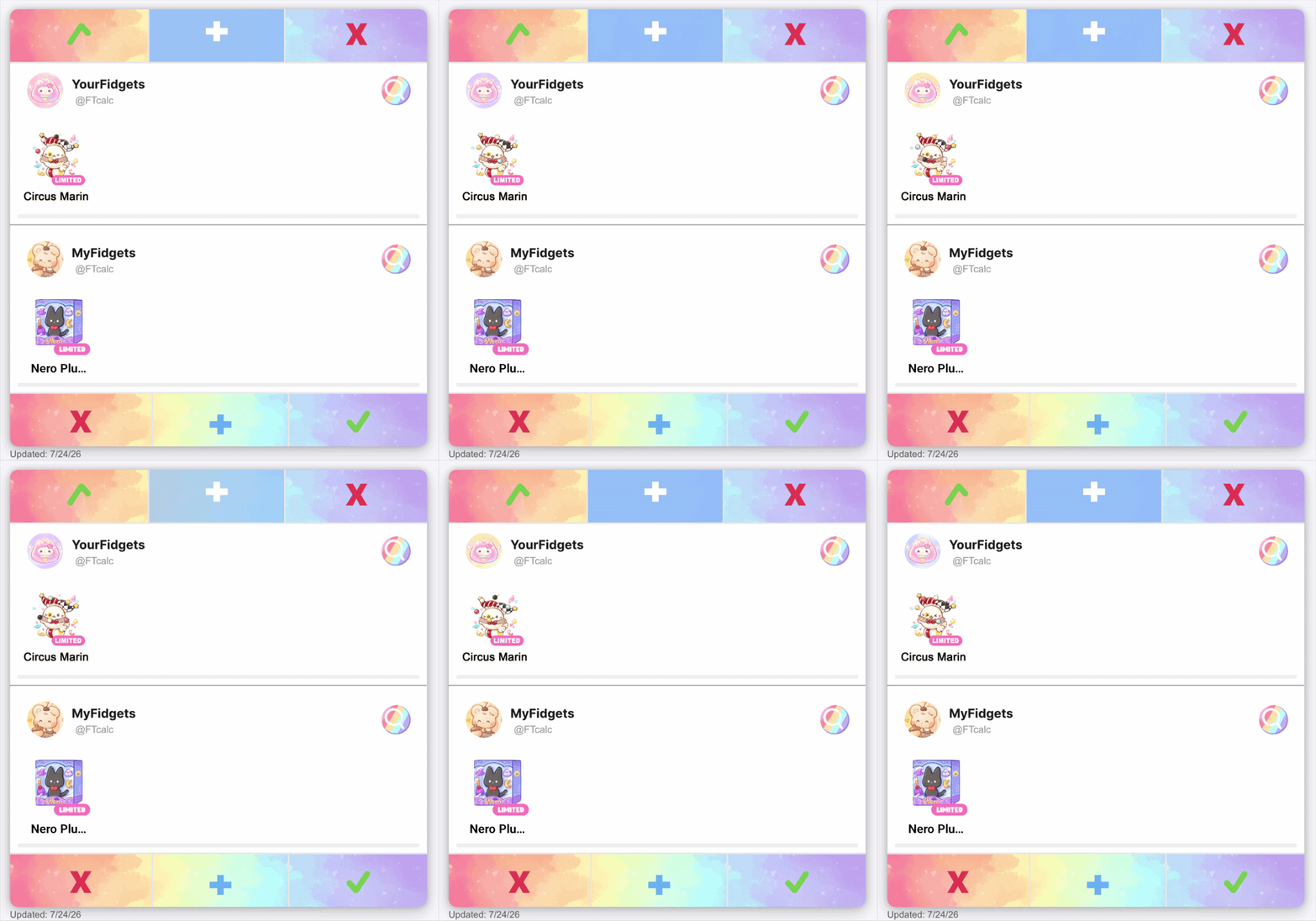
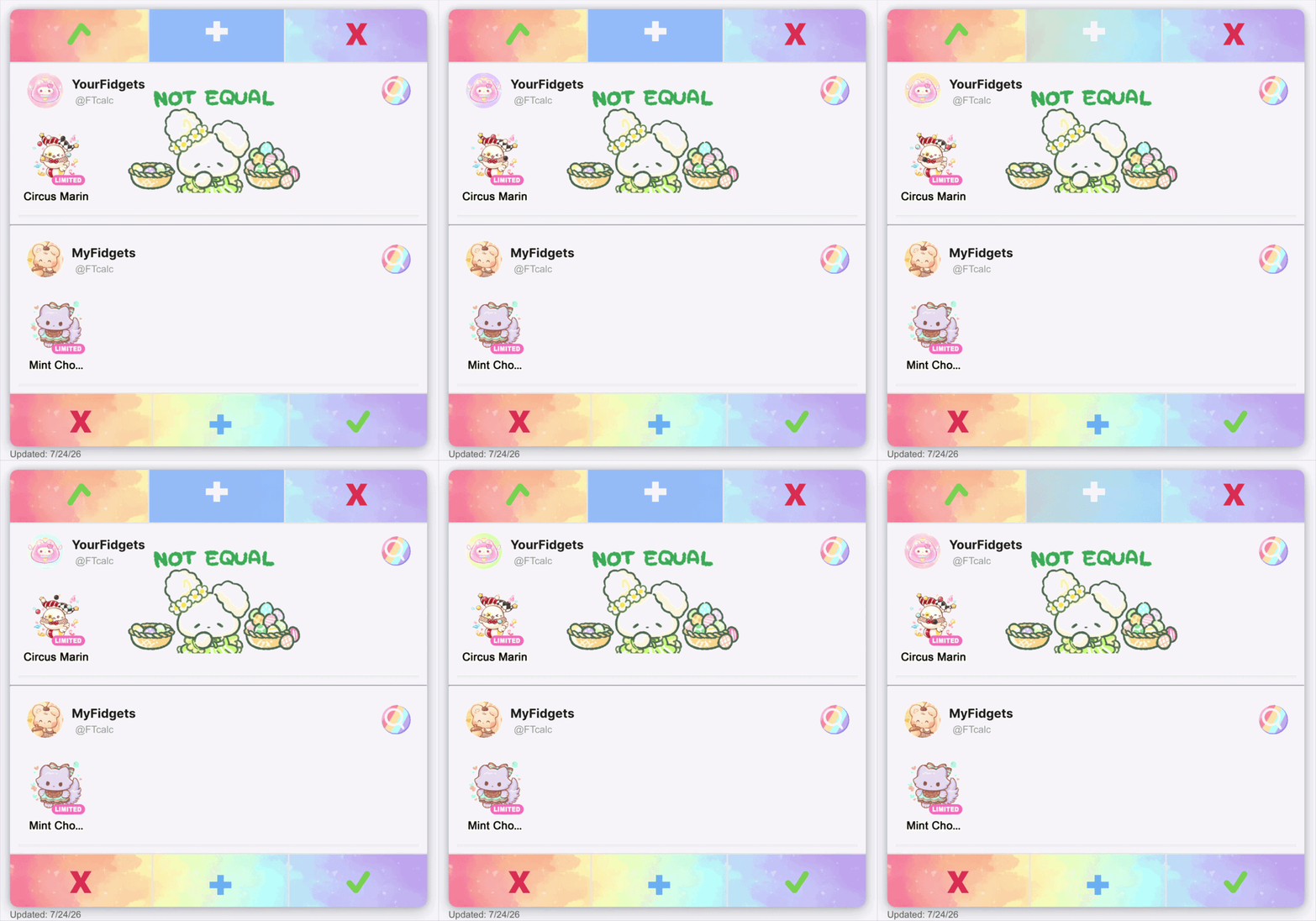
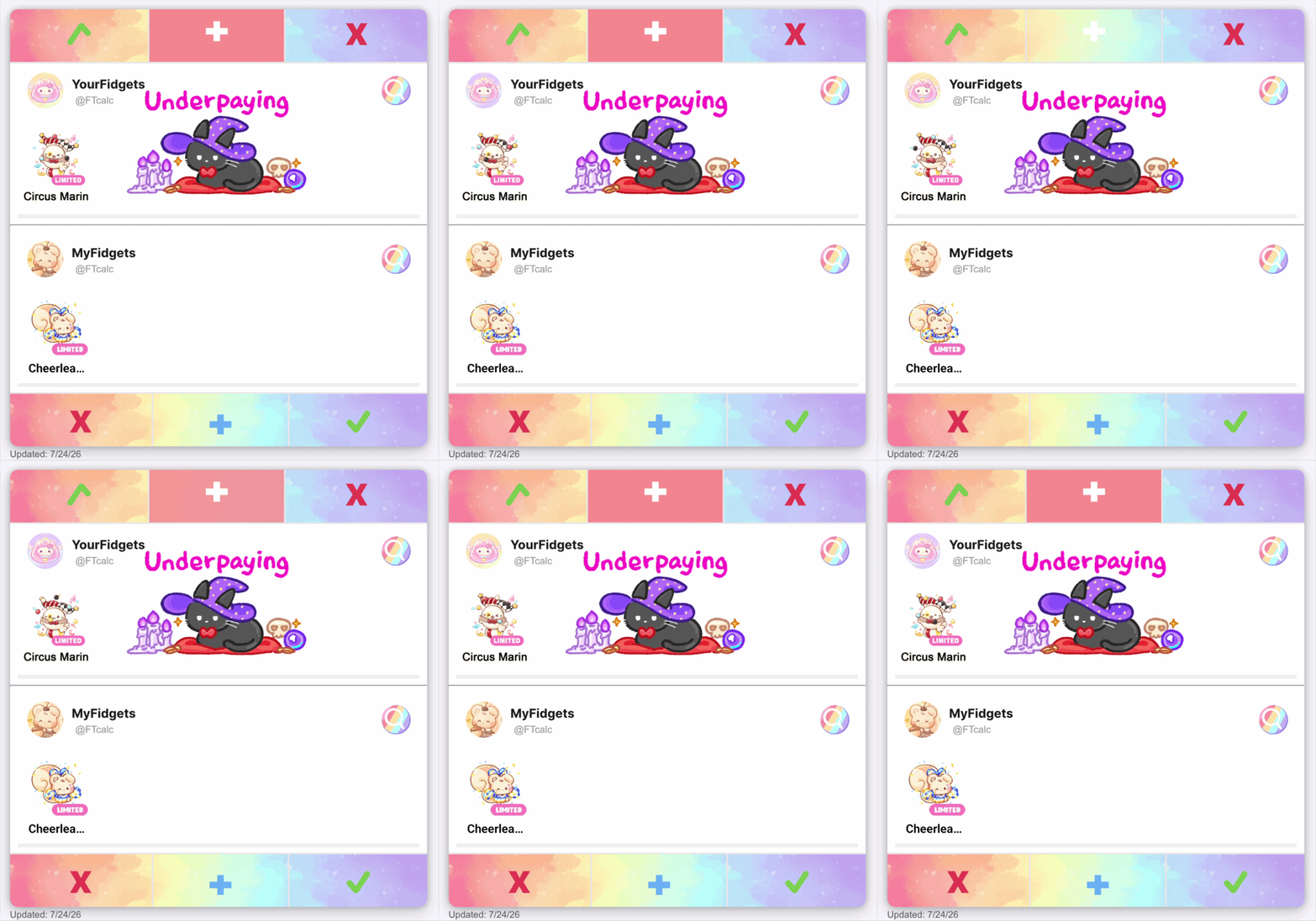
And of course the reason you’re on this site! Using the FTCalculator is a great way to make sure trades you’re accepting or creating are not too far of a Win for someone.
Asking for overpay (OVP) is not a bad thing and in fact can be a great way to benefit off of the popularity of some fidgets.
I hope this has been a helpful guide to get you started on your trading journey! If you have anything you wish to see us add or edit please leave a comment below!